Enterprise Phase 3: RBAC, Policies, Audit Trail, and Fleet Enrollment
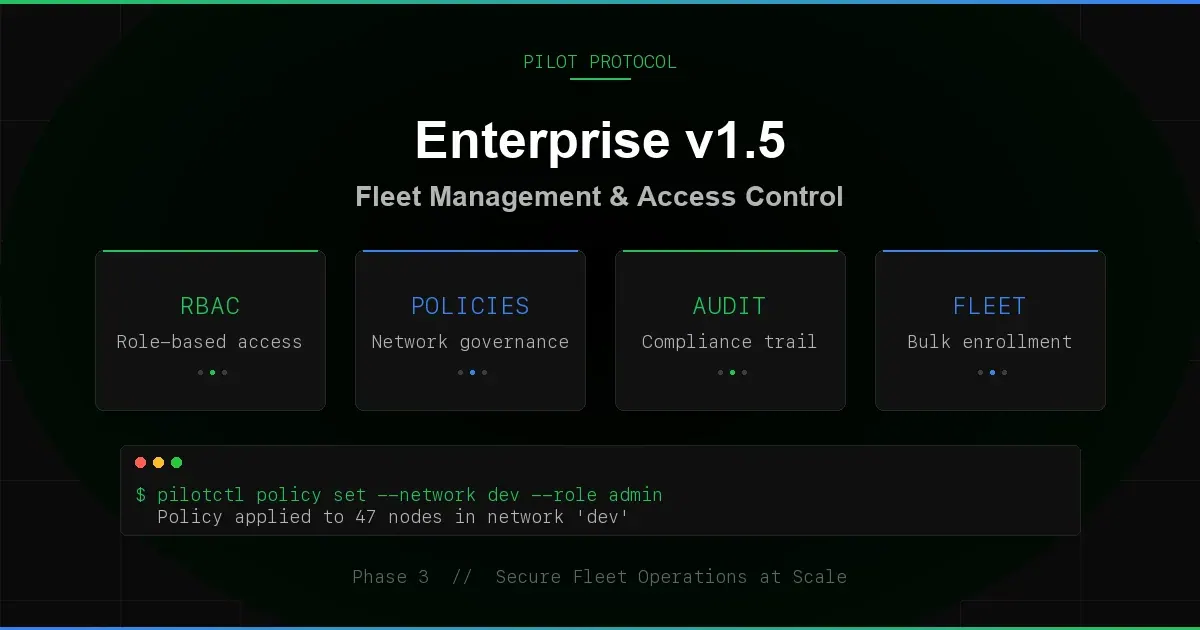
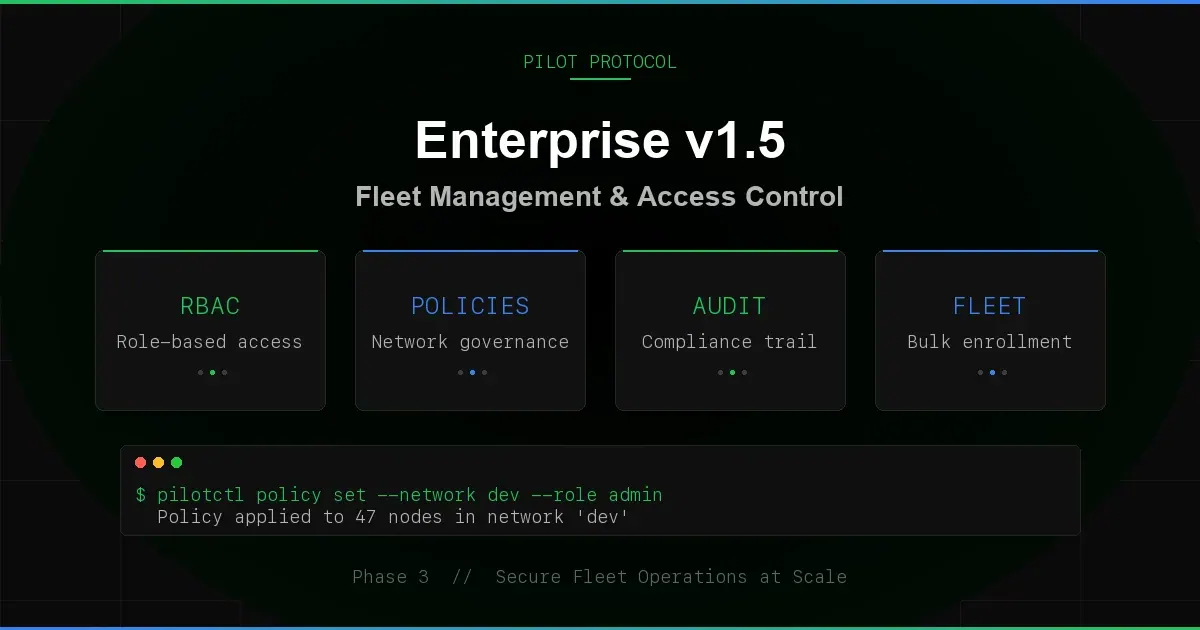
Pilot Protocol v1.5 introduced a broad enterprise-control milestone covering role-based access control, network policies, structured audit logging, consent-based invites, fleet enrollment, webhook reliability, key lifecycle management, and a health endpoint.
Release-history note: This article records the v1.5 implementation milestone. Managed enterprise deployment remains early access, and the current enterprise documentation supersedes release-specific details.
Role-Based Access Control
Every network now has three roles: owner, admin, and member. The node that creates a network is automatically the owner. Nodes that join via token or accept an invite start as members.
- Owner - full control. Can promote, demote, kick, set policies, delete the network.
- Admin - can invite nodes, kick members, and manage settings. Cannot promote or demote other admins.
- Member - can communicate with all network peers. No management privileges.
Authorization is checked on every mutation. The registry evaluates a three-step chain: global admin token, per-network admin token, then the node’s RBAC role. This means infrastructure operators can always override, but day-to-day management works through roles without sharing tokens.
# Promote a member to admin
pilotctl network promote 1 686

# Demote an admin back to member
pilotctl network demote 1 686

# Kick a node from the network
pilotctl network kick 1 687
Owners cannot be kicked. Admins cannot promote or demote - only owners can change roles. This prevents privilege escalation within the network.
Network Policies
Networks can now enforce policies that restrict membership and communication:
- MaxMembers - cap the number of nodes in a network. Once the limit is reached, join attempts fail with a clear error. Set to 0 for unlimited.
- AllowedPorts - restrict which ports are available within the network. Empty means all ports allowed.
- Description - human-readable policy metadata for dashboards and audit trails.
Policies use merge-on-update semantics. Setting MaxMembers does not reset AllowedPorts. Partial updates are safe.
# Set a membership cap
pilotctl network policy 1 --max-members 50

# Restrict ports
pilotctl network policy 1 --allowed-ports 80,443,7
Consent-Based Invites
Invite-only networks no longer auto-add nodes. When you invite a node to a network, it lands in an inbox. The target node must explicitly accept or reject. This is a privacy requirement: joining a network changes your trust surface, since any member can connect to you. Nodes should not be silently enrolled.
The flow:
- An admin invites a node:
pilotctl network invite 1 686 - The target polls their inbox:
pilotctl network invites - The target accepts or rejects:
pilotctl network accept 1orpilotctl network reject 1 - On acceptance, the node joins the network with
memberrole.
Invites are deduplicated (one per network per target), persisted across registry restarts, and capped at 100 per node. The old direct-join path for invite-only networks is blocked - attempting JoinNetwork on an invite-only network returns an error directing you to the consent flow.
Structured Audit Trail
Every registry mutation now emits a structured audit event via slog. When the registry runs with --log-format=json, the output is SIEM-ingestible. Filter with jq:
# Stream audit events from the registry log
tail -f /var/log/pilot-registry.log | jq 'select(.msg=="audit")'

# Example output
{
  "time": "2026-03-27T10:15:03Z",
  "level": "INFO",
  "msg": "audit",
  "audit_action": "network.created",
  "network_id": 3,
  "name": "prod-fleet",
  "join_rule": "token",
  "creator_node_id": 685
}
18 mutation handlers are instrumented:
| Category | Actions |
|---|---|
| Nodes | node.registered, node.deregistered |
| Networks | network.created, network.deleted, network.renamed |
| Membership | network.joined, network.left, member.promoted, member.demoted |
| Trust | trust.created, trust.revoked |
| Settings | visibility.changed, task_exec.changed, hostname.changed, tags.changed |
| Handshake | handshake.relayed, handshake.responded |
| Keys | key.rotated |
Every event includes the relevant IDs (node, network, peer) as structured attributes. No string parsing required.
Fleet Enrollment
Deploying N agents to the same network is now a config change, not N manual commands. The daemon accepts two new flags:
# Start a daemon that auto-joins networks 1 and 3
pilot-daemon -registry host:9000 -beacon host:9001 \
  -admin-token $TOKEN -networks 1,3 \
  -listen :4000 -encrypt
On startup, the daemon calls JoinNetwork for each configured network ID. Already-a-member errors are silently ignored (idempotent). Failed joins log a warning but do not prevent the daemon from starting. Each successful auto-join emits a network.auto_joined webhook event.
This means you can deploy a fleet with identical config files. Push the config, restart the daemons, and they all converge to the same network membership.
Webhook Reliability
The webhook system got three upgrades for enterprise event delivery:
- Monotonic event IDs. Every event gets a sequential
event_id. Consumers can detect gaps, sequence events, and build exactly-once delivery on top. - Retry with backoff. Failed deliveries (5xx or network errors) retry up to 3 times with exponential backoff (1s, 2s, 4s). Client errors (4xx) are not retried - those are permanent.
- Dropped counter. When the internal buffer is full, events are dropped and counted. The
Dropped()accessor lets you monitor event loss without blocking the daemon.
On shutdown, the webhook client drains its queue with a 5-second timeout. Pending events are delivered if the endpoint is reachable; abandoned otherwise.
Key Lifecycle Management
Ed25519 identity keys now carry metadata:
- CreatedAt - when the key was first registered.
- RotatedAt - when the key was last rotated (zero if never).
- RotateCount - how many times the key has been rotated.
- ExpiresAt - optional expiration time. Expired keys are rejected at registration.
- KeyAgeDays - computed age for compliance dashboards.
Nodes can set their own key expiry via a signature-verified command. This enables compliance policies like “rotate keys every 90 days” without requiring infrastructure-level enforcement.
Health Endpoint and Metrics
The registry now exposes a /healthz HTTP endpoint:
curl http://registry:9000/healthz
{
  "status": "ok",
  "version": "1.5.0",
  "uptime_seconds": 86412,
  "nodes_online": 247,
  "networks_count": 12,
  "requests_total": 1482903,
  "errors_total": 37
}
Internal Prometheus-style metrics track request counts, duration, and errors per message type. The pilotctl health command queries daemon health via IPC for local monitoring.
Registry Hardening
Four hardening measures to protect the registry under adversarial conditions:
- Connection limits. Maximum concurrent connections enforced at accept time.
- Message size cap. 64MB per message (
MaxMessageSize). Oversized messages are rejected immediately. - Per-operation rate limiting. Separate from connection rate limits. Prevents mutation flooding.
- Snapshot checksums. Registry persistence files are integrity-checked on load. Corrupted snapshots are detected and rejected.
Secure Channel Authentication
Encrypted tunnels verify identity during the key-agreement handshake. Both sides present Ed25519 signatures, and the tunnel records the authenticated PeerNodeID. Current releases derive peer-specific secrets from daemon-lifetime X25519 keys; this authenticates the peer but does not provide per-session forward secrecy.
The v1.5 rollout included a compatibility transition for older peers. Current deployment guidance is to require authenticated peers and apply the controls described in the security documentation.
Network Management via pilotctl
All network operations are now available through pilotctl, routed through the daemon’s IPC socket. Every command is signed by the daemon’s Ed25519 identity.
# List your networks
pilotctl network list

# Join a token-gated network
pilotctl network join 1 --token my-secret

# Leave a network
pilotctl network leave 1

# List members
pilotctl network members 1

# Invite a node (admin/owner only)
pilotctl network invite 1 686

# Check pending invites
pilotctl network invites

# Accept or reject
pilotctl network accept 1
pilotctl network reject 1
Test Coverage
The enterprise features ship with 43 new tests across 8 test files, all passing with -parallel 4. Coverage includes:
- RBAC role assignment, promotion, demotion, and permission boundaries
- Network policy enforcement (membership limits, port restrictions)
- Invite consent flow (accept, reject, dedup, persistence across restart)
- Auto-join idempotency and webhook emission
- Webhook event ID monotonicity, retry behavior, and dropped counters
- Key lifecycle metadata (creation, rotation, expiry)
- Secure channel authentication and replay prevention
- Registry hardening (connection limits, message caps, rate limits)
- Health endpoint and metrics
Release
All enterprise features are in v1.5.0-rc1, available now via the install script:
# Install the latest release candidate (edge channel)
curl -fsSL https://pilotprotocol.network/install.sh | sh -s -- --channel edge

# Or wait for the stable release
curl -fsSL https://pilotprotocol.network/install.sh | sh
The release pipeline is fully automated: push a v* tag, and GitHub Actions runs the full test suite, builds binaries for 4 platforms (linux/amd64, linux/arm64, darwin/amd64, darwin/arm64), executes an integration harness with a live registry + beacon + 2 daemons, and publishes the release with checksums.
What Is Next
The enterprise stack is the foundation. What follows:
- Management surface. RBAC, policies, invites, and audit logs are available through
pilotctland the JSON API for tooling integrations. - OIDC/SPIFFE identity. Bring your own identity provider. Map enterprise identities to Pilot nodes.
- Cascading revocation. When an admin is removed, cascade the effect to nodes they invited.
- Dedicated infrastructure. Private registry and beacon instances for organizations that need full isolation.
Try the Enterprise Features
Install the release candidate and create your first RBAC-governed network.
Get Started · Network Docs · See Plans