Enterprise Implementation Milestone: 99 Features, 234 Tests
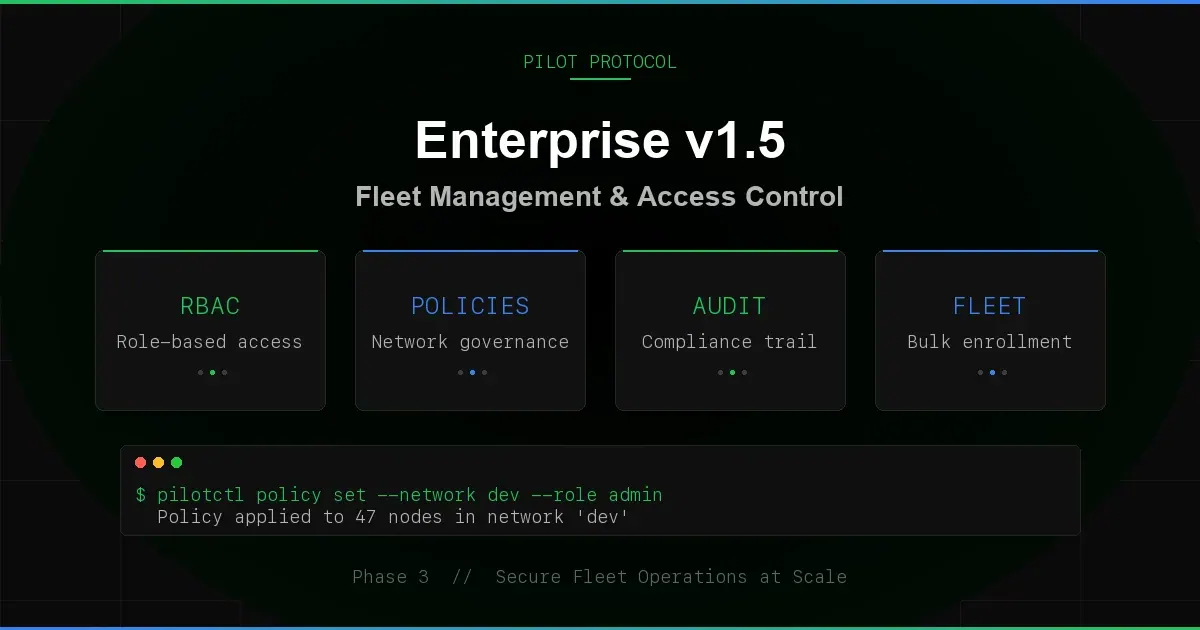
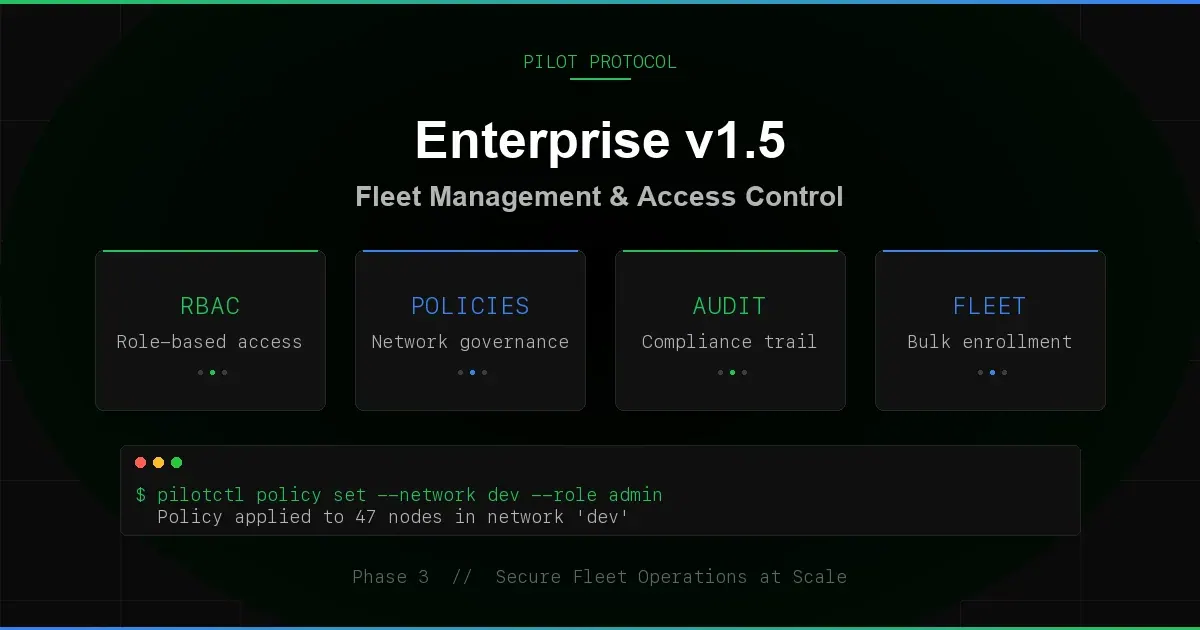
Pilot Protocol reached 99 implemented features across 53 protocol commands, backed by 234 tests. This post catalogs that implementation milestone - identity mapping, directory sync, declarative provisioning, audit export, JWT validation, webhook reliability, per-network metrics, and the security hardening that ties it together.
Enterprise Feature Gating
Enterprise features are opt-in at the network level. Set enterprise: true when creating a network, and the full enterprise stack activates for that network only. Non-enterprise networks are unaffected - zero overhead, zero behavior change. Toggling enterprise on mid-lifecycle initializes RBAC roles for all existing members.
Seven registry handlers enforce the enterprise gate: promote, demote, kick, set policy, invite, respond to invite, and set key expiry. Each returns a clear "enterprise feature" error when called against a non-enterprise network. The gate check is a single function call at the top of each handler - no configuration, no flags, no environment variables.
Identity Provider Integration
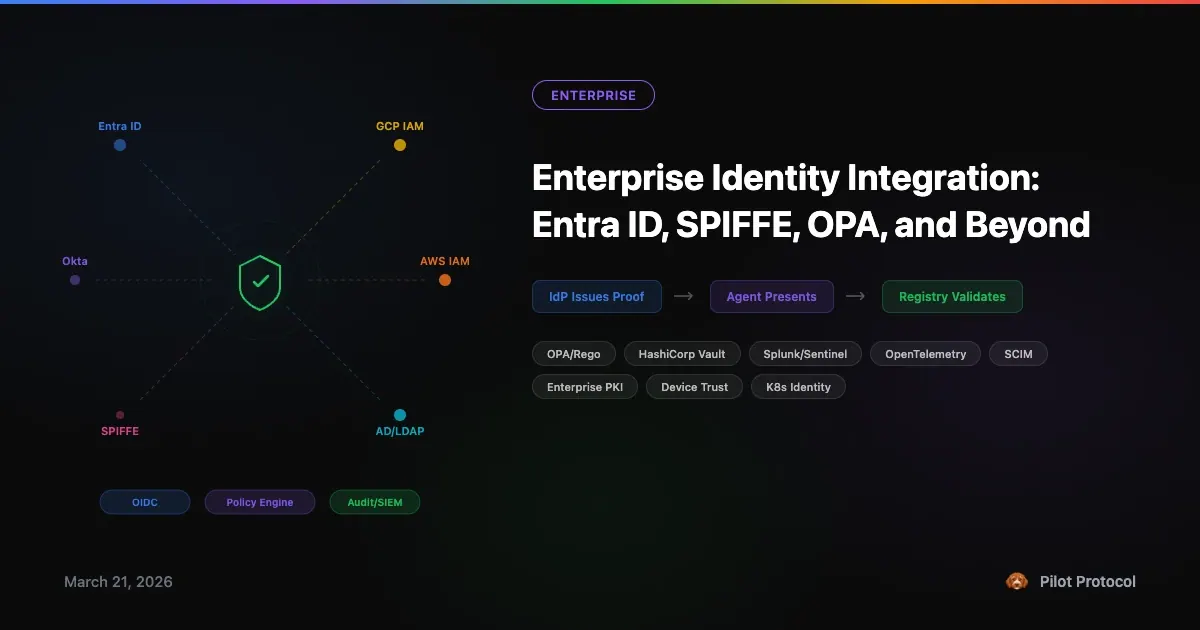
The registry exposes configuration values for OIDC, SAML, Entra ID, LDAP, and webhook. Native token validation covers OIDC/JWT; the other systems connect through OIDC or an external identity bridge/webhook. Configuration is per-registry (global) via the set_idp_config protocol command or a blueprint.
Built-in JWT Validation
For OIDC providers, the registry validates JWTs directly - no sidecar, no proxy, no external validator. Two signature algorithms are supported:
- RS256 - RSA PKCS#1 v1.5 with SHA-256. Keys fetched from the provider's JWKS endpoint.
- HS256 - HMAC-SHA256 with symmetric keys from JWKS.
Claims validated: iss (issuer), aud (audience, supports both string and array), exp (expiry), nbf (not-before). A 60-second clock skew tolerance prevents failures from minor time drift between the IDP and registry.
Algorithm confusion attacks are blocked. The registry enforces that the JWKS key type matches the JWT header algorithm - an HS256 header with an RSA key, or an RS256 header with an oct key, is rejected before signature verification.
JWKS Caching
JWKS keys are cached for 5 minutes with automatic refresh. The first validation triggers a fetch; subsequent validations within the TTL use the cache. Cache entries are keyed by JWKS URL and key ID (kid). Response size is capped at 64KB.
# Configure OIDC identity provider
{
  "type": "set_idp_config",
  "admin_token": "$TOKEN",
  "idp_type": "oidc",
  "url": "https://login.microsoftonline.com/tenant/.well-known/jwks",
  "issuer": "https://login.microsoftonline.com/tenant/v2.0",
  "client_id": "your-app-client-id"
}

# Validate a JWT token
{
  "type": "validate_token",
  "admin_token": "$TOKEN",
  "token": "eyJhbGciOiJSUzI1NiI..."
}
Webhook-Based Identity
For provider systems that are not served through OIDC/JWKS, use an external identity bridge or webhook. The webhook receives the token and returns a verified external_id. The external ID links the node to a directory entry for RBAC pre-assignment and directory sync.
Directory Sync
Enterprise directories (Active Directory, Entra ID, LDAP) push membership listings to the registry via the directory_sync command. The registry maps directory entries to existing nodes by external_id and applies changes:
- Role updates. If a directory entry specifies a role (owner, admin, member), the node's RBAC role is updated to match.
- Disable/kick. Disabled entries remove the node from the network immediately.
- Remove unlisted. Optionally, nodes whose
external_idis not in the directory listing are removed. Nodes without an external ID are left untouched. - Pre-assignment. Unmapped directory entries (no matching node yet) create RBAC pre-assignments. When a node with that external ID later joins the network, it automatically receives the assigned role.
- Hostname enrichment. Display names from the directory are set as hostnames for nodes that do not already have one.
# Push a directory listing
{
  "type": "directory_sync",
  "admin_token": "$TOKEN",
  "network_id": 3,
  "remove_unlisted": true,
  "entries": [
    {"external_id": "[email protected]", "role": "admin", "display_name": "Alice"},
    {"external_id": "[email protected]", "role": "member"},
    {"external_id": "[email protected]", "disabled": true}
  ]
}

# Response
{
  "type": "directory_sync_ok",
  "mapped": 2,
  "unmapped": 0,
  "updated": 1,
  "disabled": 1,
  "actions": [
    "role [email protected]: member → admin (node 685)",
    "disabled [email protected] (node 687)"
  ]
}
The directory_status command returns current sync state: total members, mapped (with external ID), unmapped (without), pre-assignment count, and last sync timestamp.
Blueprint Provisioning
Declare an entire network configuration in a single JSON document. The provision_network command creates the network (or finds it by name), enables enterprise, applies policy, configures the identity provider, sets up webhooks, configures audit export, and stores RBAC pre-assignments - all in one atomic operation.
# Blueprint: production network with full enterprise config
{
  "name": "prod-fleet",
  "join_rule": "invite",
  "enterprise": true,
  "policy": {
    "max_members": 100,
    "allowed_ports": [7, 80, 443, 1001],
    "description": "Production agent fleet"
  },
  "identity_provider": {
    "type": "oidc",
    "url": "https://login.microsoftonline.com/tenant/.well-known/jwks",
    "issuer": "https://login.microsoftonline.com/tenant/v2.0",
    "client_id": "pilot-prod"
  },
  "webhooks": {
    "audit_url": "https://siem.acme.com/pilot/events"
  },
  "audit_export": {
    "format": "splunk_hec",
    "endpoint": "https://splunk.acme.com:8088/services/collector",
    "token": "HEC-TOKEN",
    "index": "pilot_audit",
    "source": "pilot-registry"
  },
  "roles": [
    {"external_id": "[email protected]", "role": "owner"},
    {"external_id": "[email protected]", "role": "admin"},
    {"external_id": "[email protected]", "role": "member"}
  ]
}
Blueprints are idempotent. Running the same blueprint twice finds the existing network by name and applies updates. The result lists every action taken:
{
  "type": "provision_network_ok",
  "network_id": 3,
  "name": "prod-fleet",
  "created": true,
  "actions": [
    "created network 3 (prod-fleet)",
    "enabled enterprise features",
    "applied network policy",
    "configured oidc identity provider",
    "configured audit webhook",
    "configured splunk_hec audit export to https://splunk.acme.com:8088/services/collector",
    "stored 3 RBAC pre-assignments"
  ]
}
Validation runs before any mutation. Invalid join rules, missing tokens for token-gated networks, unrecognized IDP types, and invalid audit export formats are all rejected with clear errors.
Audit Export
Every registry mutation emits a structured audit event. Events flow through three channels simultaneously: slog structured logging, the webhook system, and the audit exporter. Three export formats are supported, covering the major SIEM platforms:
Splunk HEC
Events are formatted as Splunk HTTP Event Collector payloads with time (epoch), source (configurable, defaults to pilot-registry), sourcetype (pilot:audit), optional index, and the full event object. Authentication via Authorization: Splunk <token> header.
CEF/Syslog
Events are formatted in Common Event Format for syslog-based SIEMs: CEF:0|Pilot|Registry|1.0|<action>|<action>|<severity>|<extensions>. Severity is dynamic: 6 for kick/delete operations, 4 for promote/demote, 3 (informational) for everything else. Extensions include network_id, node_id, and action.
JSON
Plain JSON AuditEntry objects posted to an HTTP endpoint. Each entry includes timestamp, action, network_id, node_id, and a freeform details string.
The exporter is asynchronous with a 1024-slot buffered channel. Delivery uses 3 retries with exponential backoff (1s, 2s, 4s). Non-blocking: if the buffer is full, events are dropped and counted. The get_audit_export command returns export stats (delivered, dropped counts).
Webhook Dead Letter Queue
Building on the Phase 3 webhook system, failed deliveries now land in a dead letter queue. Server errors (5xx) are retried 3 times with exponential backoff; client errors (4xx) go directly to the DLQ without retry. The DLQ holds the last 100 failed events for inspection via the get_webhook_dlq command.
# Inspect the dead letter queue
{
  "type": "get_webhook_dlq",
  "admin_token": "$TOKEN"
}

# Response
{
  "type": "webhook_dlq_ok",
  "events": [
    {
      "event_id": 47,
      "action": "member.promoted",
      "timestamp": "2026-03-28T10:30:00Z",
      "details": {"node_id": 685, "network_id": 3}
    }
  ]
}
Ownership Transfer
Network owners can now transfer ownership to another member. The transfer is atomic: the previous owner is demoted to admin, the new owner gets the owner role. Six edge cases are enforced: non-owners cannot transfer, non-members cannot receive, self-transfer is rejected, and the audit trail records both the old and new owner.
# Transfer ownership (no CLI equivalent -- use the registry JSON API directly)Chain transfers work: A transfers to B, then B can transfer to C. Each transfer generates its own audit event with the complete provenance.
Per-Network Prometheus Metrics
The Prometheus endpoint now includes per-network labeled metrics for Grafana dashboards:
| Metric | Type | Description |
|---|---|---|
pilot_network_members{network="prod"} | Gauge | Members per network |
pilot_network_admins{network="prod"} | Gauge | Admins per network |
pilot_network_owners{network="prod"} | Gauge | Owners per network |
pilot_network_enterprise{network="prod"} | Gauge | Enterprise flag (0/1) |
pilot_network_policy_set{network="prod"} | Gauge | Policy configured (0/1) |
Enterprise-specific counters track operational volume:
| Metric | Description |
|---|---|
pilot_invites_sent_total | Invites sent |
pilot_invites_accepted_total | Invites accepted |
pilot_rbac_operations_total{op="promote"} | RBAC operations by type |
pilot_policy_changes_total | Policy mutations |
pilot_key_rotations_total | Key rotations |
pilot_provisions_total | Blueprint provisions |
pilot_audit_exports_total | Audit events exported |
pilot_idp_verifications_total | Identity verifications |
pilot_directory_synced_networks | Networks with directory sync |
Status gauges show configuration state at a glance: pilot_idp_configured, pilot_webhook_configured, pilot_audit_export_active. All metrics are zero-dependency - the Prometheus exposition format is implemented from scratch with custom counter, gauge, histogram, counterVec, and histogramVec types using atomic operations.
Security Hardening
The latest security audit covered JWT handling, rate limiting, and protocol-level defenses:
- JWT algorithm confusion prevention. The registry enforces that the JWKS key type (
kty) and algorithm (alg) match the JWT header. An HS256 header paired with an RSA key is rejected, preventing the classic algorithm confusion attack where an attacker uses a public RSA key as an HMAC secret. - Clock skew tolerance. 60-second tolerance on both
expandnbfclaims prevents token rejection from minor clock drift between the IDP and registry. - JWKS endpoint validation. Non-200 HTTP responses from JWKS endpoints are treated as errors instead of being silently parsed. Response size is capped at 64KB.
- Directory sync safety. The
removeUnlistedoperation collects member IDs before removal, preventing the slice-mutation-during-iteration bug that could skip members. - Replication token enforcement. Standby registry connections are authenticated with constant-time token comparison. Wrong tokens receive no data.
- Per-operation rate limits. Separate rate limits per operation category: resolve (100/min), query (500/min), heartbeat (50/min), registration (10/min).
234 Tests Across 21 Files
The enterprise stack ships with comprehensive test coverage. Every feature has dedicated tests, including concurrent stress tests, persistence round-trips, and negative-path validation.
| Test File | Tests | Category |
|---|---|---|
enterprise_gate_test.go | 43 | Feature gating, RBAC edge cases, ownership transfer |
fuzz_registry_server_test.go | 42 | Registry API surface coverage |
invite_acceptance_test.go | 19 | Consent flow, concurrent accepts, inbox cap |
integration_test.go | 17 | E2E: blueprint, RS256 JWT, Splunk HEC |
network_test.go | 17 | Name validation, join rules, leave/rejoin |
pilotctl_network_test.go | 14 | Driver IPC, concurrent join/leave |
audit_test.go | 12 | Concurrent audit, persistence, enriched events |
key_lifecycle_test.go | 9 | Rotation, expiry, heartbeat warning |
auto_join_test.go | 9 | Fleet enrollment, mixed success/failure |
rbac_test.go | 8 | Per-network tokens, role hierarchy |
syn_trust_gate_test.go | 8 | SYN/datagram trust, defense-in-depth |
handshake_test.go | 8 | P2P trust, revocation, persistence |
metrics_test.go | 7 | Prometheus, enterprise counters, DLQ |
replication_test.go | 6 | Hot-standby failover, enterprise data |
network_policy_test.go | 6 | MaxMembers, AllowedPorts, persistence |
Other (6 files) | 9 | Dashboard, hostname privacy, admin tokens, etc. |
Testing methodology includes clock injection for time-sensitive tests (invite TTL, key expiry), concurrent goroutine stress tests (up to 10 workers), mock HTTP servers for external systems (Splunk HEC, OIDC JWKS, CEF/Syslog), and full registry restart round-trips for persistence verification.
53 Protocol Commands
The complete protocol surface, grouped by authentication requirement:
| Auth | Commands |
|---|---|
| Admin token | create_network, set_network_enterprise, get_audit_log, set_webhook, get_webhook, get_webhook_dlq, set_identity_webhook, set_external_id, get_identity, provision_network, set_audit_export, get_audit_export, set_idp_config, get_idp_config, get_provision_status, directory_sync, directory_status, validate_token |
| Signature + enterprise | invite_to_network, respond_invite, kick_member, promote_member, demote_member, transfer_ownership, set_network_policy, set_key_expiry |
| Signature or admin | join_network, leave_network, delete_network, rename_network, resolve, deregister, set_visibility, set_hostname, set_tags, set_task_exec |
| Signature | report_trust, revoke_trust, request_handshake, poll_handshakes, respond_handshake, heartbeat, punch, rotate_key |
| None (read) | register, lookup, list_networks, list_nodes, check_trust, resolve_hostname, beacon_register, beacon_list, get_member_role, get_network_policy, get_key_info, poll_invites |
| Replication token | subscribe_replication |
99 Features, 21 Categories
The full feature inventory spans:
- Core Protocol (10) - registration, lookup, resolve, heartbeat, deregister, hostname, tags, task exec, visibility, list nodes
- Network Management (8) - create, join, leave, delete, rename, enterprise toggle, list, broadcast
- Trust & Handshake (6) - report, revoke, check, request handshake, poll, respond
- RBAC (8) - roles (owner/admin/member), promote, demote, kick, transfer ownership, per-network admin tokens, RBAC pre-assignments
- Policies (2) - max members, allowed ports
- Invites (3) - invite, poll, accept/reject with consent
- Identity & SSO (8) - webhook verification, built-in JWT (RS256/HS256), JWKS caching, IDP config, external ID, token validation
- Directory Sync (2) - push sync, status query
- Blueprints (3) - provision, validate, status
- Key Lifecycle (3) - rotation, expiry, info
- Audit (6) - ring buffer, query API, Splunk HEC, CEF/Syslog, JSON export, async delivery
- Webhooks (4) - dispatch, retry + DLQ, status, DLQ query
- Observability (7) - 40+ Prometheus metrics, per-type histograms, per-network labels, enterprise counters, status gauges
- Dashboard (7) - HTML dashboard, stats API, health check, SVG badges, Prometheus /metrics, pprof, manual snapshot
- High Availability (4) - push-based replication, heartbeat, standby mode, full snapshot format
- Security (10) - Ed25519 signatures, rate limiting (per-IP + per-operation), connection limits, TLS + cert pinning, admin tokens, message size cap, idle timeout, address sanitization
- Persistence (1) - atomic JSON snapshots with debounced writes
- Beacon (2) - register, list
- NAT Traversal (1) - hole punch coordination
- Client SDK (1) - auto-reconnect client with 60+ methods, TLS pinning, signer support
What Is Next
The documented implementation milestone covers the capabilities above in code and tests. Enterprise deployments remain early access: provider integration, rollout design, and operational readiness are validated with each customer.
Try the Enterprise Stack
Install the latest release and provision your first enterprise network from a blueprint.
Get Started · Network Docs · See Plans