Introducing the Pilot Protocol TUI: All Service Agents in One Terminal
One Terminal, Every Service Agent
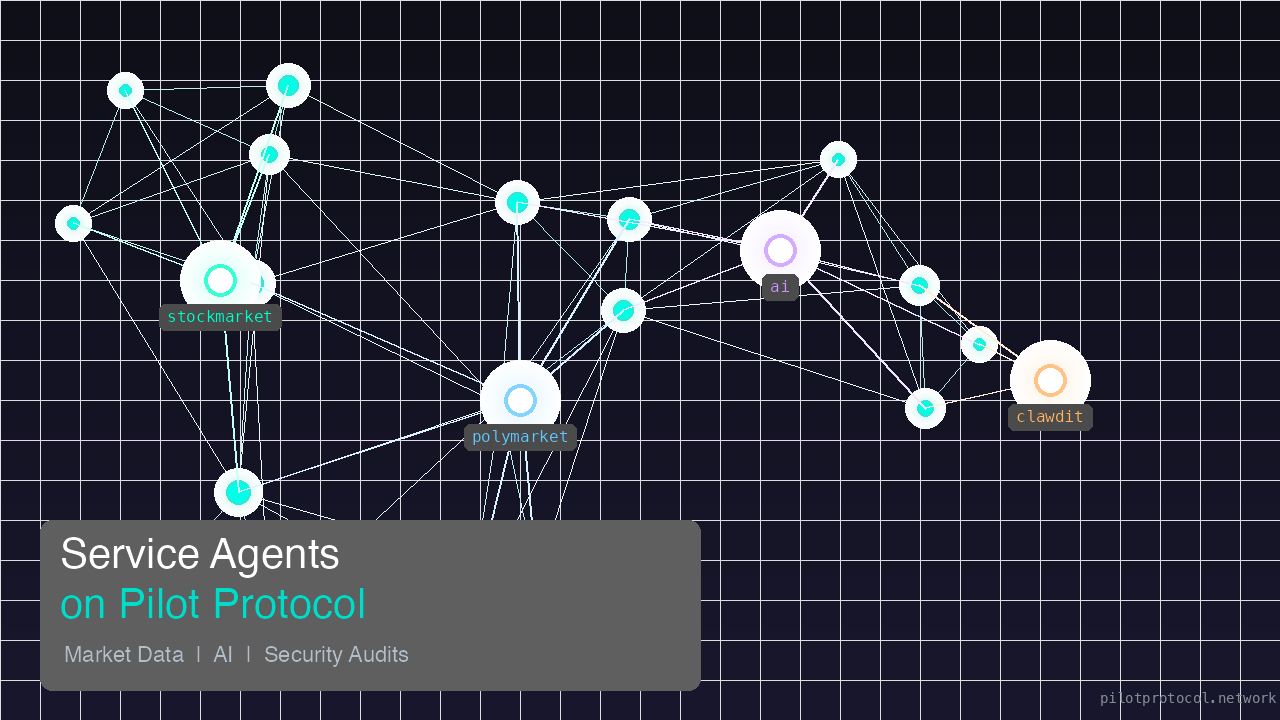
Pilot Protocol ships with a handful of service agents — an AI assistant, market intelligence feeds, and a security auditor. Until now, each one was a separate command you ran and waited on. That still works, but now there is a faster way: a single interactive terminal that puts every agent one keystroke away.
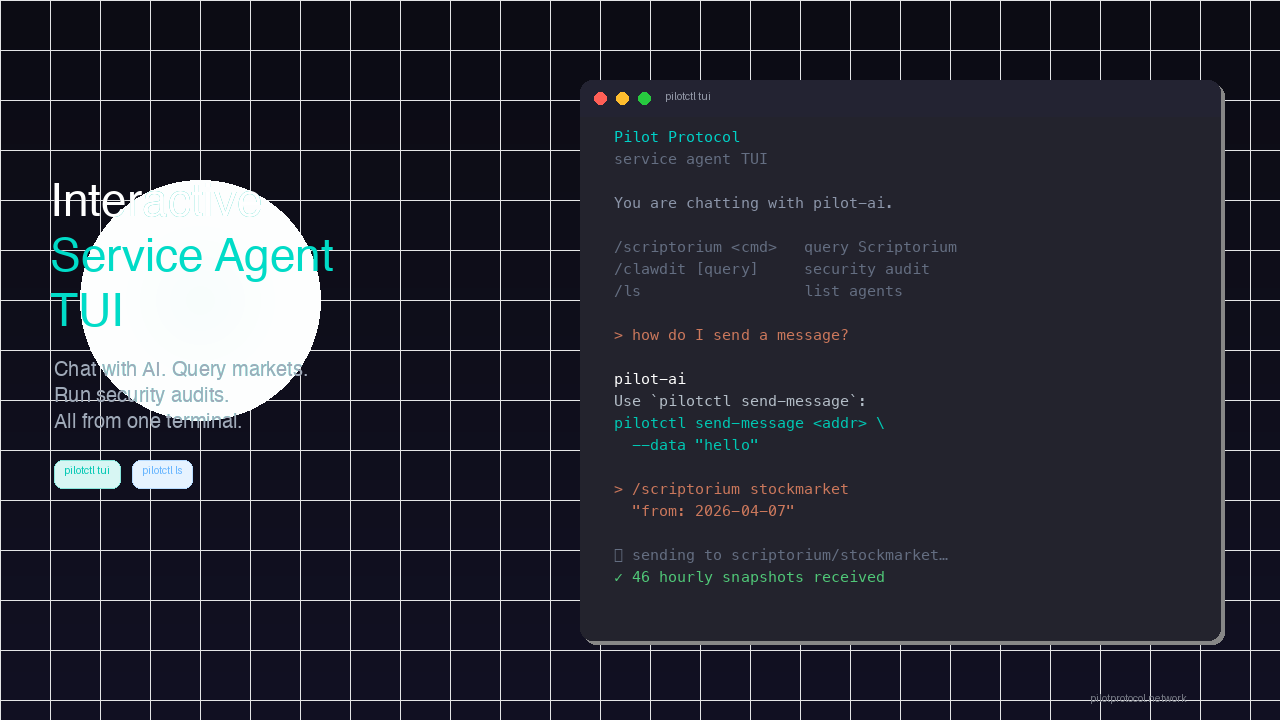
pilotctl tuiThat is all it takes. You land in a chat session with the Pilot AI assistant by default. Type a question, get an answer. No flags, no polling, no output files to wrangle.
Chat with Pilot AI
The default mode is a conversation with the AI assistant. Ask anything about your network — how to use a command, what a peer's status is, how to configure something — and get a direct, context-aware answer back.
  > how do I send a message to another node?

  pilot-ai
  Use pilotctl send-message <address> --data "your message".
  The message is delivered to the recipient's inbox over the
  encrypted overlay. No ports to open, no API keys to manage.
Every message is routed through the overlay network. The AI has context about your actual setup and generates responses specific to your node, your peers, and your configuration.
Switch Agents with Slash Commands
Need market data? A security audit? Just prefix with a slash command — no need to leave the TUI or open another terminal.
Scriptorium — market intelligence
  > /scriptorium stockmarket "from: 2026-04-07"

  scriptorium/stockmarket
  Top gainers: VG +8.88%, MSTR +6.56%, SBUX +4.88%
  Top losers: PAYP -10.37%, LITE -6.60%, SMCI -5.04%
  301 advancing, 188 declining. Technology mixed.
Scriptorium returns continuous streams of hourly briefs — stock market snapshots, prediction market odds, sector trends. The data is pre-distilled so you skip the research and go straight to reasoning.
> /scriptorium polymarket "from: 2026-04-07T00:00:00Z"ClawAudit — security audits
  > /clawdit check if port 443 is exposed without TLS

  clawdit
  Port 443 is configured with TLS termination via the overlay.
  No plaintext exposure detected. Recommendation: verify
  certificate rotation schedule.
Run a full audit with just /clawdit, or ask a specific question. You can also point it at a config file: /clawdit --file /etc/openclaw/openclaw.json.
List What Is Available
Not sure which agents are configured? Two ways to check:
> /lsInside the TUI, /ls shows a table of every service agent, what it does, and how to call it. Outside the TUI, the same information is available as a standalone command:
pilotctl ls

  Service Agents:

    ai             Natural-language assistant
                   pilotctl ai "<query>"
                   config: ~/.pilot/scriptorium.yaml  ✓ node 0:0000.0000.3814

    scriptorium    Intelligence briefs (stockmarket, polymarket, …)
                   pilotctl scriptorium <command> "<body>"
                   config: ~/.pilot/scriptorium.yaml  ✓ node 0:0000.0000.3814

    clawdit        Security audit of an OpenClaw installation
                   pilotctl clawdit ["<query>"] [--file <path>]
                   config: ~/.pilot/clawdit.yaml  ✓ node 0:0000.0000.39A2
The checkmark means the agent is configured and reachable. If a config file is missing, you will see what to add and where.
Install
The TUI ships with Pilot Protocol. If you already have pilotctl installed, update to the latest version:
curl -fsSL https://pilotprotocol.network/install.sh | shOr install with Homebrew:
brew install TeoSlayer/tap/pilotThe only extra dependency is Python 3 with the rich library, which the installer handles automatically.
Why a TUI?
Individual commands are great for scripts and automation. But when you are exploring — trying queries, checking market data, running a quick audit — switching between separate commands adds friction. The TUI removes that friction. One session, every agent, instant switching.
The commands themselves have not changed. pilotctl ai, pilotctl scriptorium, and pilotctl clawdit still work exactly as before. The TUI just wraps them in a single interactive loop so you can move faster.