
6 Best GitHub Alternatives in 2026: Compare Options for Git Hosting and Agent Networking
Looking for GitHub alternatives in 2026? Whether your team needs integrated CI/CD, self-hosted control, or agent-native networking for autonomous systems, there are strong options beyond github.com. This guide compares six platforms — GitLab, Bitbucket, Codeberg, Gitea, SourceForge, and Pilot Protocol — to help you find the right fit for your workflow and infrastructure.
Table of Contents
Pilot Protocol

At a Glance
Pilot Protocol is an overlay network for autonomous agents, offering encrypted agent-to-agent sessions across multi-cloud and cross-region deployments. It prefers direct paths and uses ciphertext relay fallback when NAT conditions require it.
Core Features
Pilot Protocol operates at the session layer to enable peer-to-peer agent communication and encrypted direct tunnels using X25519 and AES-256-GCM. It provides a virtual addressing system, self-organizing agent groups, and one-line agent deployment with no API keys.
The platform supports persistent trust establishment and NAT traversal so agents can find and verify peers without exposing public application endpoints. Agents connect over encrypted tunnels, while the registry and beacon provide discovery, coordination, and relay fallback.
Pros
- Encrypted agent communication: The protocol favors direct exchange with cryptographic protections and retains a ciphertext relay fallback for restrictive networks.
- Self-hosting path: Direct connections can continue without a third-party data path, while discovery, new NAT traversal, and relayed connections still depend on the configured registry and beacon.
- Designed for growing fleets: The architecture targets sustained automated workloads; teams should validate capacity against their topology and traffic profile.
- Public technical documentation: The protocol and implementation can be inspected and evaluated against deployment requirements.
- Streamlined onboarding: A single-command installer reduces setup friction on supported platforms.
Who It's For
Pilot Protocol is aimed at developers and organizations building autonomous applications for data retrieval, automated processing, or cross-cloud orchestration that need encrypted agent-to-agent transport with explicit trust controls.
Unique Value Proposition
Pilot Protocol's value rests on three integrated elements: persistent virtual addresses, mutual trust establishment, and encrypted tunnels. Together they provide agent-oriented identity and reachability across NATs and regions, with direct-path preference and coordinated relay fallback.
The design targets agent workflows rather than human-centric version control or web APIs. Teams considering production use should validate capacity, controls, and operating requirements for their own traffic patterns.
Real World Use Case
Illustrative scenario: a fleet of agents collects and normalizes streaming market data. Each agent uses Pilot Protocol to discover approved peers, pull feeds, and aggregate results over encrypted tunnels. Direct paths can reduce latency; relayed paths keep payloads encrypted while exposing connection metadata to the configured beacon.
Pricing
The public backbone is open; private and enterprise options are in early access. See the current plans page.
Website: https://pilotprotocol.network
GitLab

At a Glance
GitLab delivers an AI enabled DevSecOps platform that consolidates code, CI/CD, and security tooling into a single environment. Its strongest suit is automation and compliance support, making it a solid choice for teams that must move fast while proving regulatory controls.
Core Features
GitLab bundles platform automation, AI powered developer workflows, and comprehensive security testing into one product so teams avoid stitching tools together. The platform covers source control, CI pipelines, security scans, and reporting across industry specific requirements, enabling an end to end software lifecycle on a single pane.
Pros
-
All in one platform simplifies workflows. Consolidating source code, CI, and security reduces handoffs and tool sprawl for engineering teams.
-
Strong emphasis on security and compliance. Built in testing and compliance reporting help meet audit requirements for regulated systems.
-
AI integration enhances developer productivity. AI tools assist with code suggestions, pipeline optimization, and diagnostics which speeds routine tasks.
-
Scales across team sizes and industries. From small teams to multinational programs, the platform adapts to differing process and compliance needs.
-
Extensive community resources. Documentation, templates, and community examples shorten ramp up for complex use cases.
Cons
-
Feature breadth increases complexity. The platform's scope requires onboarding time and careful governance to avoid configuration drift.
-
Pricing details are not included in the product snippet. Teams must consult the website for exact plan comparisons and enterprise terms.
-
May demand significant resources for small projects. Running full CI and security pipelines can be heavy for minimal infrastructure or tiny repositories.
Who It's For
Organizations and engineering teams that need an integrated AI enabled DevSecOps toolchain and must demonstrate security and compliance will benefit most. It suits teams consolidating toolchains or operating in finance, aerospace, education, or other regulated environments.
Unique Value Proposition
GitLab's unique value lies in delivering an end to end platform that combines development, security, and measurement with AI driven workflows. That combination reduces integration overhead and centralizes audit trails for faster delivery with traceable controls.
Real World Use Case
A multinational corporation uses GitLab to consolidate development, security scanning, and deployment pipelines across regions. The company reduced manual approval steps and improved audit readiness while scaling CI across dozens of teams and cloud regions.
Pricing
Pricing varies by tier and feature set; the vendor directs buyers to their pricing page for plan specifics and enterprise licensing options. See the vendor site for current rates and volume discounts.
Website: https://gitlab.com
Bitbucket
At a Glance
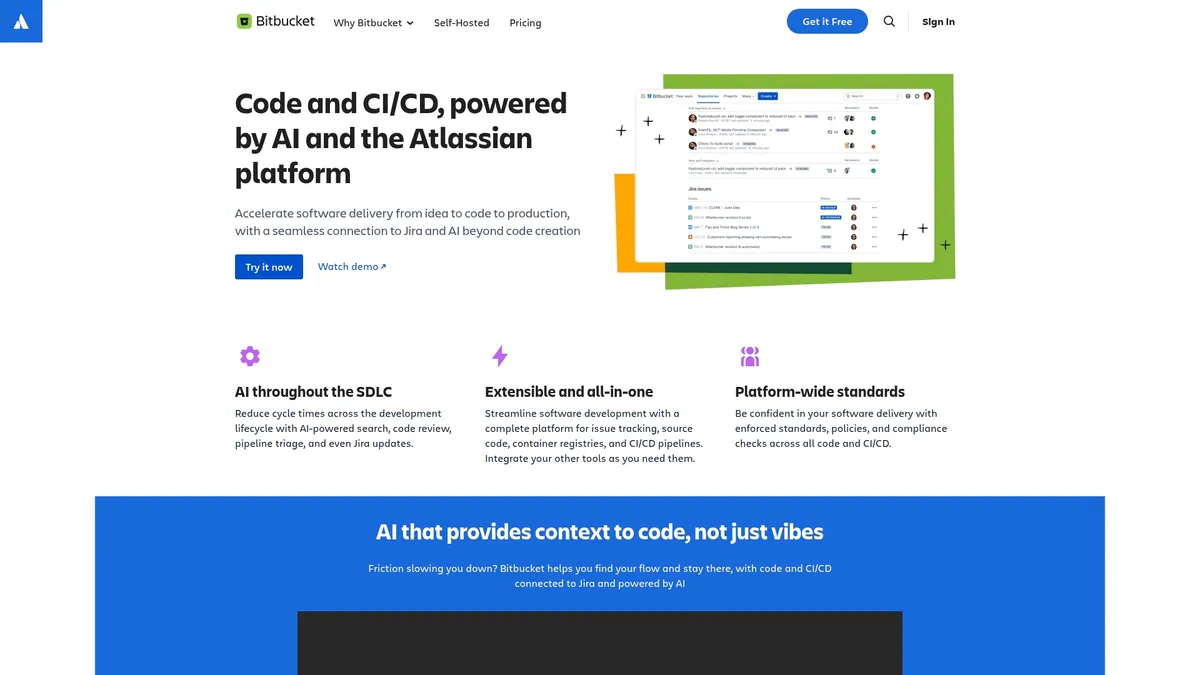
Bitbucket is a code collaboration and delivery platform built on the Atlassian stack that combines CI/CD pipelines with AI enhancements to speed delivery from idea to production. It fits teams that rely on Jira and want integrated code review, security checks, and deployment tooling in one place.
Core Features
Bitbucket centers on CI/CD pipelines, AI-powered features for code review and pipeline triage, and cloud security with compliance checks. It also provides tight Jira integration and options for cloud or self-hosted Data Center deployments to match organizational requirements.
Pros
-
Deep integration with Jira and Atlassian tools: This provides a unified workflow between issue tracking and code delivery so teams avoid context switching and manual mapping of tasks to commits.
-
Supports cloud and self-hosted deployments: You can choose a managed cloud offering or a Data Center installation to meet regulatory, latency, or operational preferences for your infrastructure.
-
AI-powered features to enhance development workflow: Built in AI assists with code review and pipeline triage, which reduces time spent on routine checks and surfaces likely failures earlier in the cycle.
-
Extensive security and compliance features: Built in security checks and compliance validations help teams catch vulnerabilities before they reach production and meet governance requirements.
-
Large community and user base: With a reported user base of over 15 million developers, there is extensive community knowledge, plugins, and shared best practices available.
Cons
-
Pricing can be expensive at scale: Costs increase with team size and enterprise feature needs, which can put pressure on budgets for large engineering organizations.
-
Learning curve for newcomers to Atlassian: New users unfamiliar with the Atlassian ecosystem will need time to learn conventions, integrations, and administration patterns.
-
Dependence on the Atlassian platform for full value: Teams that do not use Jira or other Atlassian products will miss some of the integrated workflow advantages and may not get the same return on investment.
Who It's For
Bitbucket targets development teams and organizations already using Jira and other Atlassian products that want an integrated code collaboration and delivery platform. It suits teams that prioritize built in security, compliance checks, and a single vendor experience for issue tracking and CI/CD.
Unique Value Proposition
Bitbucket combines familiar Atlassian workflows with built in CI/CD and AI features so teams can manage planning, code review, and deployment inside a consistent environment. The option to run in cloud or Data Center makes it viable for both distributed teams and regulated environments.
Real World Use Case
A software company uses Bitbucket to host repositories, run automated pipelines, and connect commits to Jira issues. Developers get AI surfaced review suggestions, security scans run in pipelines, and operations deploy through the same integrated toolchain from planning to production.
Pricing
Bitbucket offers multiple tiers including a free plan plus paid Standard and Premium tiers (priced per user per month; see Bitbucket's pricing page for current rates), with discounts available for large teams.
Website: https://bitbucket.org
Codeberg
At a Glance
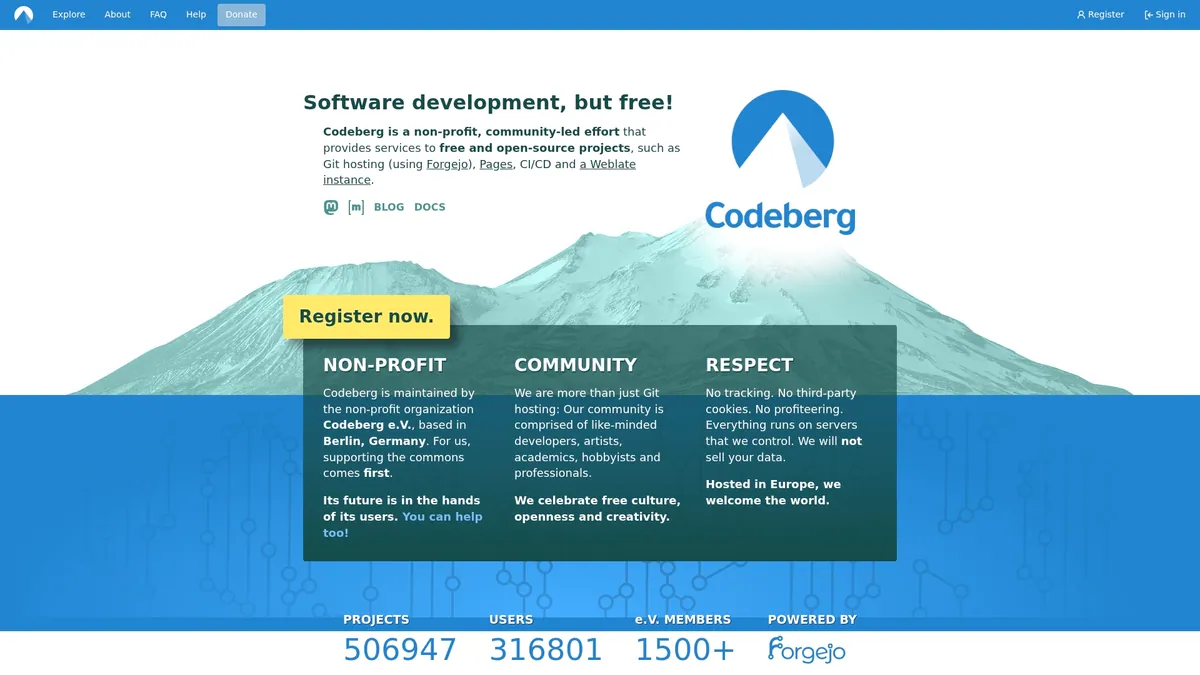
Codeberg is a community-led nonprofit platform that hosts Git repositories, Pages, CI CD, and a Weblate instance with an emphasis on privacy and openness. It excels for open source projects that prioritize user privacy and community governance over commercial features.
Core Features
Core features include Git hosting using Forgejo, project Pages, CI CD services, and a built in Weblate translation platform, all delivered under a community driven development model. The platform is hosted in Europe and avoids tracking and third party cookies to protect contributor data.
Pros
-
Free and open source: Codeberg offers hosting and services at no cost for contributors and projects, lowering barriers for long running community work.
-
Community led and nonprofit: Governance and development come from community contributions which aligns incentives with project maintainers rather than corporate shareholders.
-
Strong emphasis on privacy and data protection: Hosting in Europe and the absence of tracking reduce exposure of contributor telemetry and metadata.
-
Wide range of services: The combination of Git hosting, Pages, CI CD, and translation via Weblate makes Codeberg a compact toolkit for open source workflows.
-
Supported by donations and community contributions: Funding through donations avoids commercial upsells and keeps the core experience intact for public projects.
Cons
-
Limited commercial features compared to proprietary platforms: Enterprises that rely on advanced access controls, analytics, or native integrations may find Codeberg functionally lean.
-
Dependent on community support for growth: Feature development and reliability improvements follow contributor availability and donation levels rather than fixed product roadmaps.
-
Potentially fewer integrations than major commercial platforms: Out of the box connectors and marketplace extensions are fewer, requiring more manual work to integrate with some tooling.
Who It's For
Codeberg fits developers, academics, artists, hobbyists, and professionals running open source work that values privacy and community ownership. It is ideal for teams that accept modest tooling trade offs in exchange for transparent governance and no vendor lock in.
Unique Value Proposition
Codeberg combines privacy first hosting with a nonprofit, community driven structure so projects retain control over their data and direction. For open source maintainers who want minimal tracking and governance aligned with contributors, Codeberg provides a clear alternative to corporate hosted services.
Real World Use Case
A nonprofit organization can host its main repository, documentation Pages, and localization effort on Codeberg. The team leverages the built in CI CD and Weblate instance to coordinate international contributors while avoiding third party tracking and vendor lock in.
Pricing
Codeberg is free to use and funded by donations and community contributions which keeps the core services available to public and open source projects without subscription fees.
Website: https://codeberg.org
Gitea
At a Glance
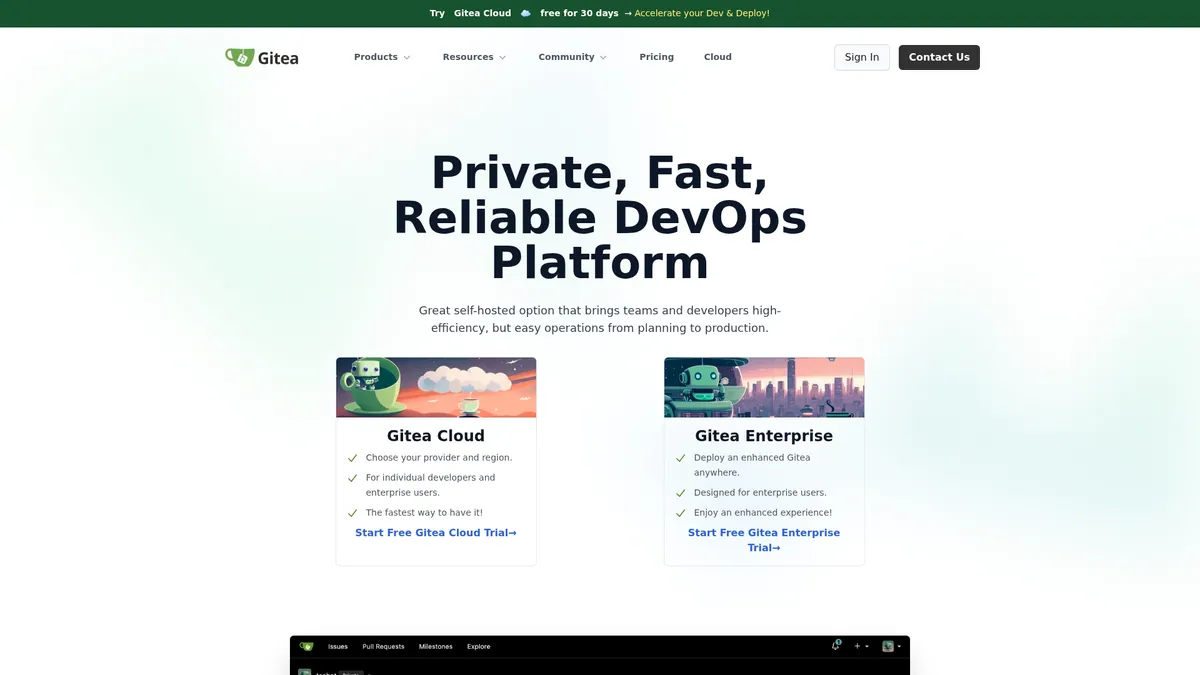
Gitea is a lightweight, self hosted DevOps platform that delivers fast Git hosting with integrated CI and project tools. It fits teams that want direct control over repositories and deployments without relying on third party services.
Core Features
Gitea provides code hosting with Git repositories, an integrated CI system called Gitea Actions, and built in project management tools such as issue tracking, labels, and Kanban boards. It also supports package management for over 20 types and broad deployment compatibility across Linux, Windows, macOS, and Kubernetes.
Pros
- Open source with MIT license: You get full control over repositories and source code without vendor lock in.
- Wide deployment support: Gitea runs on multiple operating systems and architectures, so you can match your existing infrastructure.
- Rich feature set: Built in code review, issue tracking, CI CD, and package support reduce the need for multiple standalone tools.
- Active community: Ongoing development means regular fixes and community driven enhancements.
- Flexible deployment options: Choose cloud hosted instances or on premises installs to meet security and compliance needs.
Cons
- Setup can be complex and may require system administration skills to configure production grade deployments.
- Enterprise grade features often come with costs and may require ongoing commitment to support and subscriptions.
- Advanced features are more limited compared with some proprietary platforms that offer deeper integrations and enterprise services.
Who It's For
Gitea suits developers and teams that require a self hosted, customizable DevOps platform and prefer open source licensing. It works well for small teams that want simplicity and for larger engineering groups that can invest in internal operations.
Unique Value Proposition
Gitea combines lightweight performance with essential DevOps capabilities so teams run a private, consistent environment for code hosting and pipelines. The value lies in direct control, low resource overhead, and the ability to deploy across diverse infrastructure.
Real World Use Case
A tech company deploys Gitea on internal servers to manage Git repositories, run automated tests with Actions, and coordinate cross region teams using issue boards. The result is reproducible CI CD and repository control inside the company network.
Pricing
Gitea is free for open source and self hosted use. Enterprise plans start at $19 per user per month and add additional enterprise features and support.
Website: https://about.gitea.com
SourceForge

At a Glance
SourceForge provides a stable home for community driven open source projects and straightforward tools for hosting, collaboration, and distribution. The platform favors tried and tested workflows and offers free project hosting while undergoing a security verification process to protect users.
Core Features
SourceForge centers on project hosting and management and an open source software repository that supports public distribution. It includes collaborative development tools, download hosting for releases, and community engagement features that help maintainers attract contributors and users.
Pros
-
Comprehensive platform for open source projects: The site combines hosting, version control integration, and download distribution in one place for public projects.
-
Free hosting and collaboration tools: Developers can publish projects and accept contributions without upfront cost, which lowers the barrier for community participation.
-
Strong community support: Longstanding usage by open source communities helps with discoverability and contributor recruitment for mature projects.
-
Easy project management and version control integration: SourceForge works with tools like CVS, Subversion, Git, which lets teams use familiar workflows.
-
Widely used and trusted in the open source community: Established reputation makes SourceForge a recognizable distribution channel for free software releases.
Cons
-
The interface may seem outdated compared to modern development platforms which can slow onboarding for developers used to newer UIs.
-
Limited integration with some modern CI CD tools reduces convenience for teams that rely on automated pipelines hosted elsewhere.
-
The security verification process may inconvenience users temporarily while checks complete and could delay project onboarding or downloads.
Who It's For
SourceForge suits open source developers, project maintainers, academic groups, and communities that prioritize public distribution and contributor access over tight CI CD integration. It matches teams that value discoverability and free hosting more than cutting edge user interface polish.
Unique Value Proposition
SourceForge offers reliable public hosting and download distribution with a community focus. For projects that need a simple, recognized platform to publish releases and attract contributors, SourceForge provides an all in one repository plus download hosting without charging for public project access.
Real World Use Case
A maintainer publishes an open source library, uses SourceForge to host source archives and binary releases, manages contributions through the repository and discussion pages, and distributes updates to users worldwide. The platform handles release downloads and community interaction in a single location.
Pricing
SourceForge is free to use for open source projects. Paid services may be available for additional features or private projects according to the platform's offerings.
Website: https://www.sourceforge.net
Comprehensive Tools Comparison
Below is a comparison table summarizing key features, benefits, usability, and pricing of the tools discussed in the article.
| Product Name | Core Features | Pros | Cons | Pricing |
|---|---|---|---|---|
| Pilot Protocol | Peer-to-peer encrypted tunnels, NAT traversal | Decentralized communication, self-organizing groups, scalability | Pricing details unavailable | Not Provided |
| GitLab | Integrated DevSecOps, AI-enhanced workflows | All-in-one platform, security focus, scalable and adaptable | Feature complexity may increase onboarding time | Consult Website for Details |
| Bitbucket | Tight Jira integration, CI/CD pipelines | Atlassian tool ecosystem compatibility, AI-powered review features | Dependency on Atlassian stack for full value | Free tier available; paid Standard/Premium tiers (see vendor pricing) |
| Codeberg | Community-led Git hosting, CI/CD, Weblate | Free, emphasis on privacy and openness, donation-funded | Limited advanced features for enterprise use | Free to Use |
| Gitea | Lightweight self-hosted DevOps platform | Open source, customizable, flexible deployment options | Setup requires administrative knowledge | Free, Enterprise tier starts at $19/month |
| SourceForge | Project hosting with robust community support | Free hosting, comprehensive project management tools | Interface may be dated compared to modern platforms | Free to Use |
Discover a Secure Alternative for Autonomous Agent Collaboration
For teams evaluating infrastructure for AI-driven automation and distributed systems, security and cross-network communication are important criteria. Pilot Protocol provides virtual addressing, encrypted tunnels, and NAT traversal across clouds and regions, preferring direct peer paths with ciphertext relay fallback.
Key benefits include:
- Persistent and trusted agent identities
- Direct-path preference with a coordinated relay fallback
- Easy integration with existing protocols like HTTP and SSH

Ready to elevate your distributed AI infrastructure with unmatched security and scalability? Explore Pilot Protocol today at https://pilotprotocol.network and take the next step toward efficient, resilient peer-to-peer agent networks.
Frequently Asked Questions
What are the best GitHub alternatives for 2026?
The top GitHub alternatives for 2026 include GitLab, Bitbucket, Codeberg, Gitea, SourceForge, and Pilot Protocol. Each platform serves different use cases: GitLab offers integrated DevSecOps, Bitbucket ties into the Atlassian ecosystem, Codeberg provides nonprofit community hosting, Gitea is a lightweight self-hosted option, SourceForge offers free OSS distribution, and Pilot Protocol provides encrypted peer-to-peer connectivity for autonomous AI agents.
How do I choose the right GitHub alternative for my team?
Match the platform to your team's specific needs: GitLab for integrated CI/CD and compliance, Bitbucket for Atlassian-heavy workflows, Codeberg for privacy-focused OSS, Gitea for full self-hosted control, SourceForge for public distribution, and Pilot Protocol for teams building autonomous agent systems that need direct encrypted peer-to-peer networking across multi-cloud environments.
What features should I look for in a GitHub alternative?
Essential features include version control (Git), CI/CD pipelines, project management, and security compliance. For teams building AI-driven or autonomous systems, also evaluate peer-to-peer networking, encrypted tunnels, NAT traversal, and persistent virtual addressing — capabilities that enable direct agent-to-agent communication without centralized infrastructure.
Can I migrate my existing projects from GitHub to another platform?
Yes. Most alternatives support direct import from GitHub. GitLab and Bitbucket have one-click import tools, Gitea can import via the web UI, and Codeberg supports Forgejo-based migration. Use git clone --mirror to create a full copy of your repositories before transferring.
Are there free options available in these GitHub alternatives?
Yes. Codeberg and SourceForge are entirely free. Gitea is free to self-host. GitLab offers a free tier with core features. Bitbucket offers a free plan for small teams. Pilot Protocol is free and open source under AGPL-3.0.
Which GitHub alternative is best for AI agents and autonomous systems?
Pilot Protocol is purpose-built for AI agent communication. Unlike traditional Git hosting platforms, it provides encrypted peer-to-peer tunnels, virtual addressing, NAT traversal, and per-peer trust — giving autonomous agents the networking layer needed to communicate directly across clouds and regions. See the overlay network for AI agents guide for a deeper comparison.